
About the catalogue and planning your project
Renewable energy.
Explore the possibilities.
Choose a category, narrow your search and review the details of the equipment you need. Build an informed shortlist before requesting a confirmed offer.
Explore product categories ↓New here? Start with the guide →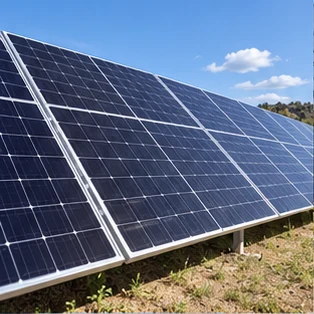
Start with your project, not a product guess.
Organise your requirements and the questions still to be answered.
How to use the product catalogue
Start with the type of equipment you need. You can browse source information before you have a final design.
Choose a category
Open one of the 18 categories, then select a subcategory. If it has no imported product line yet, the page will say so.
Choose a line and product
A product line groups related equipment. Open a product record and choose its exact listed configuration where available. Some catalogue entries are families, rather than orderable SKUs.
Review the facts
Look at the images, specifications and original documents. Separate family-level information from the selected variant. Check outstanding evidence, compatibility, warranty and support.
Check delivered cost
Use the product postcode estimate for initial planning. Confirm quantity, full address, access and freight preferences at checkout. A reliable estimate needs current supplier pricing, verified packing and comparable delivery records; a current quotation is required before purchase.
Save or compare
Select Compare on up to four products. Sign in to save a product and exact configuration or retain a delivery enquiry in your account.
Obtain a confirmed offer
Review the complete price, named delivery destination, unloading, exclusions and validity before any purchase. Purchasing remains closed during private review.
How to read missing information
Price to be confirmed, availability unconfirmed and evidence awaiting review mean the relevant facts have not been established. They do not imply zero cost, approval or immediate stock.
Category images are illustrations. Supplier catalogue images and descriptions remain unverified until their publication and technical scope are approved.